From HARA to requirements, safety analysis and test cases. Review each agent’s inputs and support scope, then open the application workspace.
Concept Phase
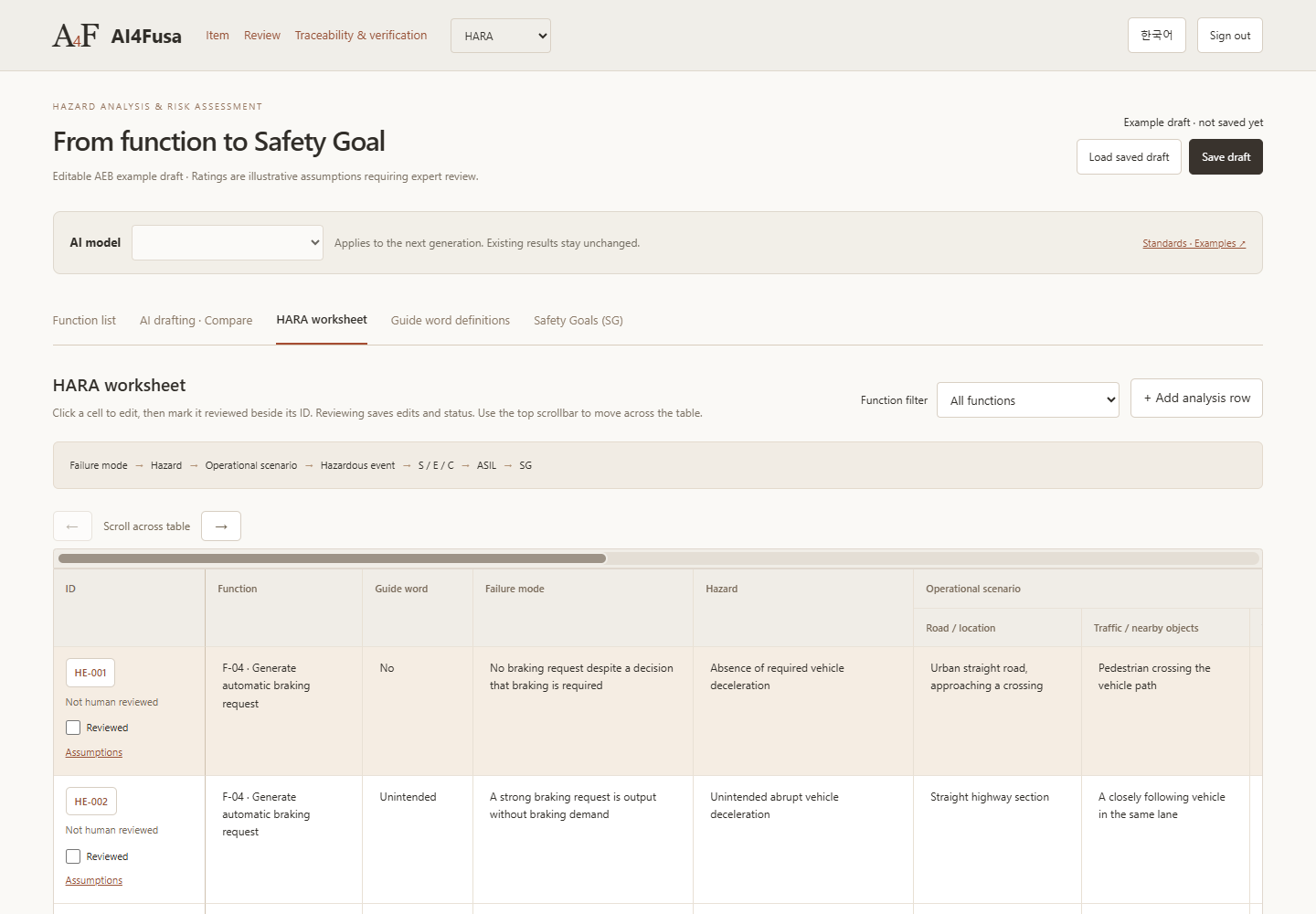
HARA · Hazard Analysis and Risk Assessment
Develop hazardous events and safety goals from vehicle functions. Review the rationale for severity, exposure and controllability alongside the analysis.
Inputs
Item definition, function list and operating scenarios
Supported deliverables
Drafting and review of hazard analysis and safety goals
Engineering review
Review the assumptions and rationale behind AI-proposed operating scenarios and S/E/C ratings. Draft generation does not demonstrate complete hazard analysis or final safety approval.
Actual English interface · local demonstration using example data
Functional Safety Concept
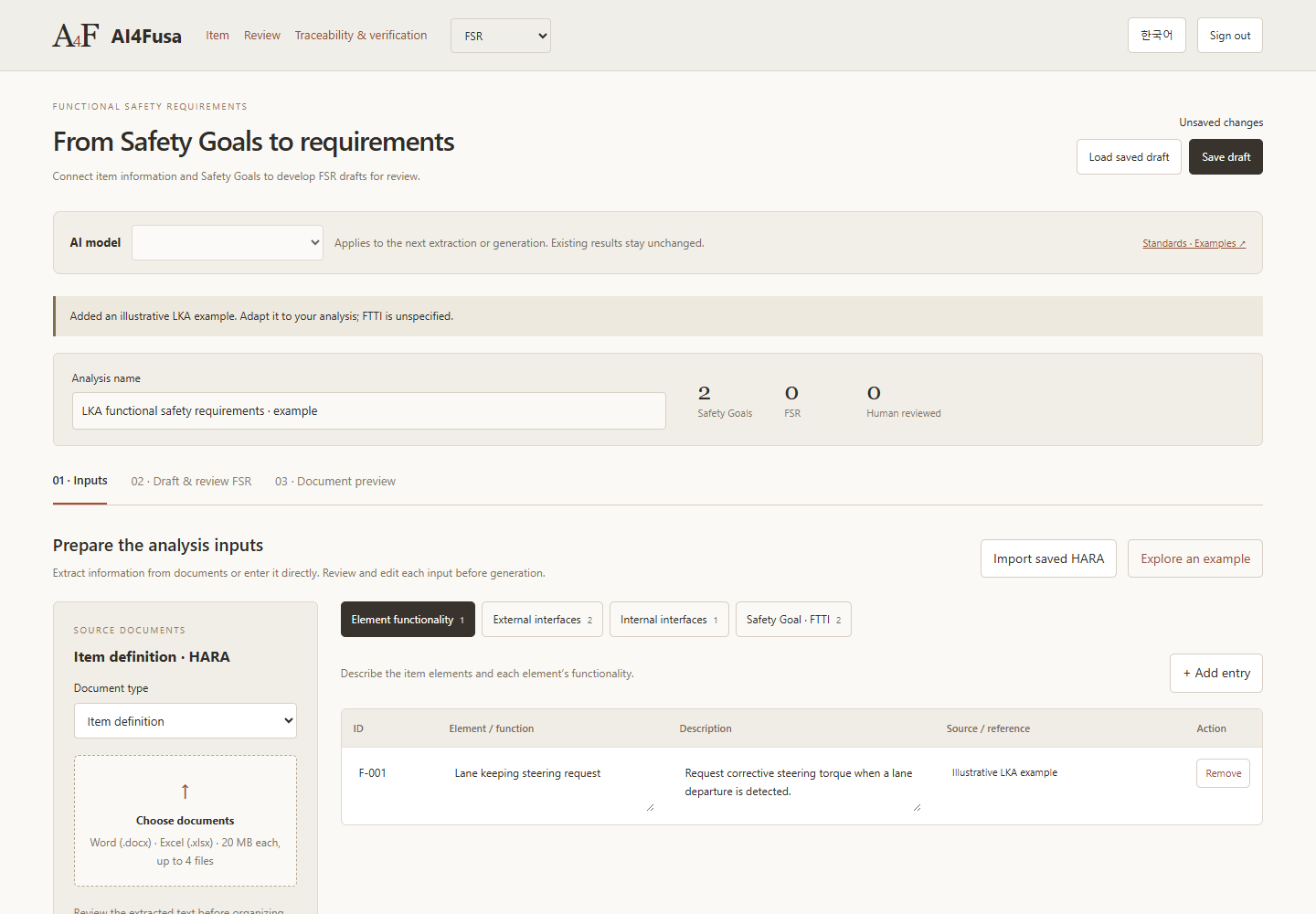
FSR · Functional Safety Requirements
Develop draft functional safety requirements from safety goals. Review AI proposals before applying them and check their links to the original safety goals.
Inputs
Item information and safety goals
Supported deliverables
Draft FSRs linked to safety goals
Engineering review
Check links to parent safety goals, requirement assumptions and open issues. Review status is a record of review; it does not establish a complete safety concept or final approval.
Actual English interface · local demonstration using example data
Technical Safety Concept
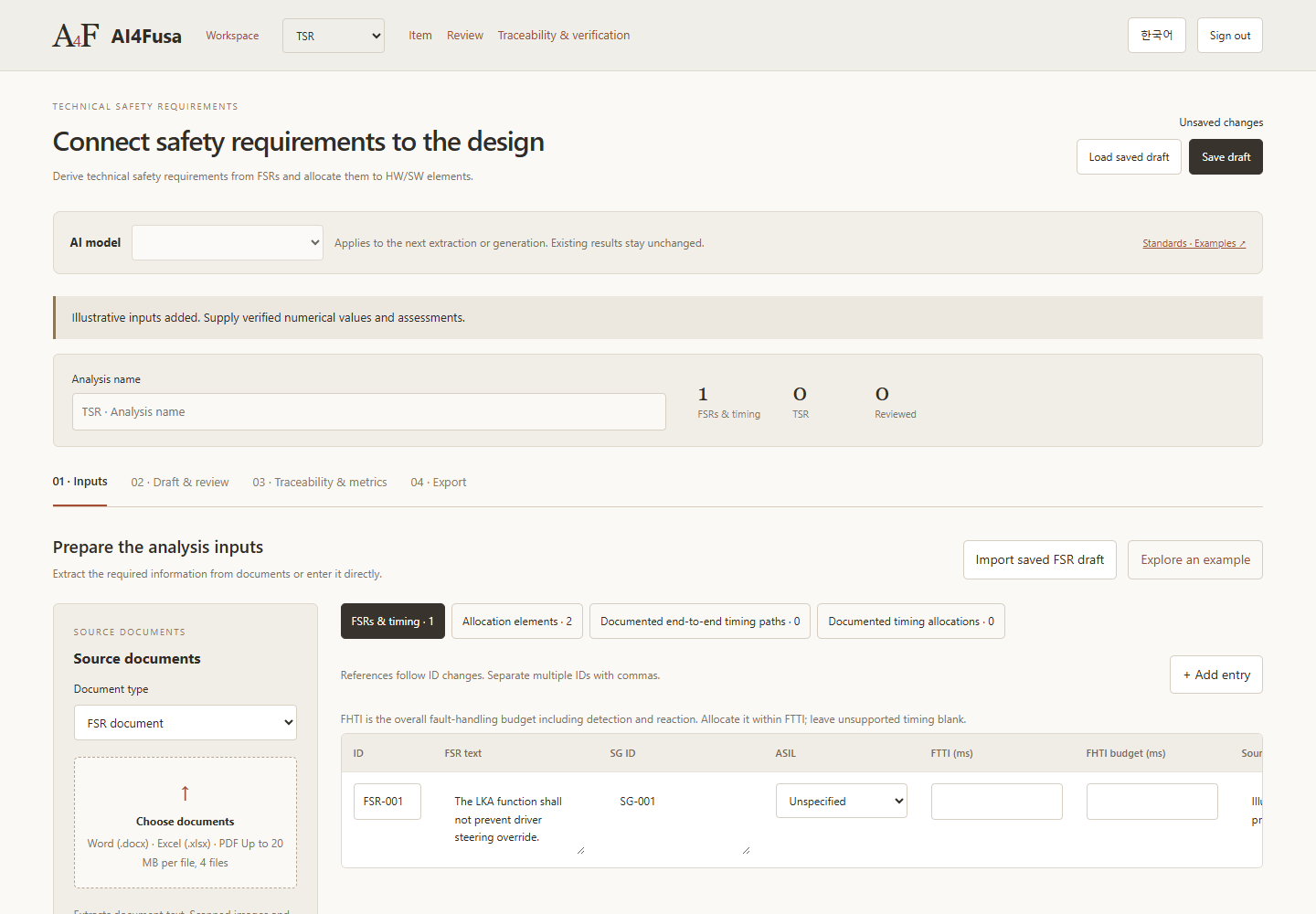
TSR · Technical Safety Requirements
Develop technical requirements from functional safety requirements and allocate them to system elements. Review parent requirements and timing assumptions together.
Inputs
FSRs and system architecture information
Supported deliverables
Draft TSRs, element allocations and verification criteria
Engineering review
Review element allocations and timing evidence for fault detection and reaction paths. Unknown timing conditions remain open issues, and automatic checks do not replace architecture-level analysis.
Actual English interface · local demonstration using example data
Safety Analysis
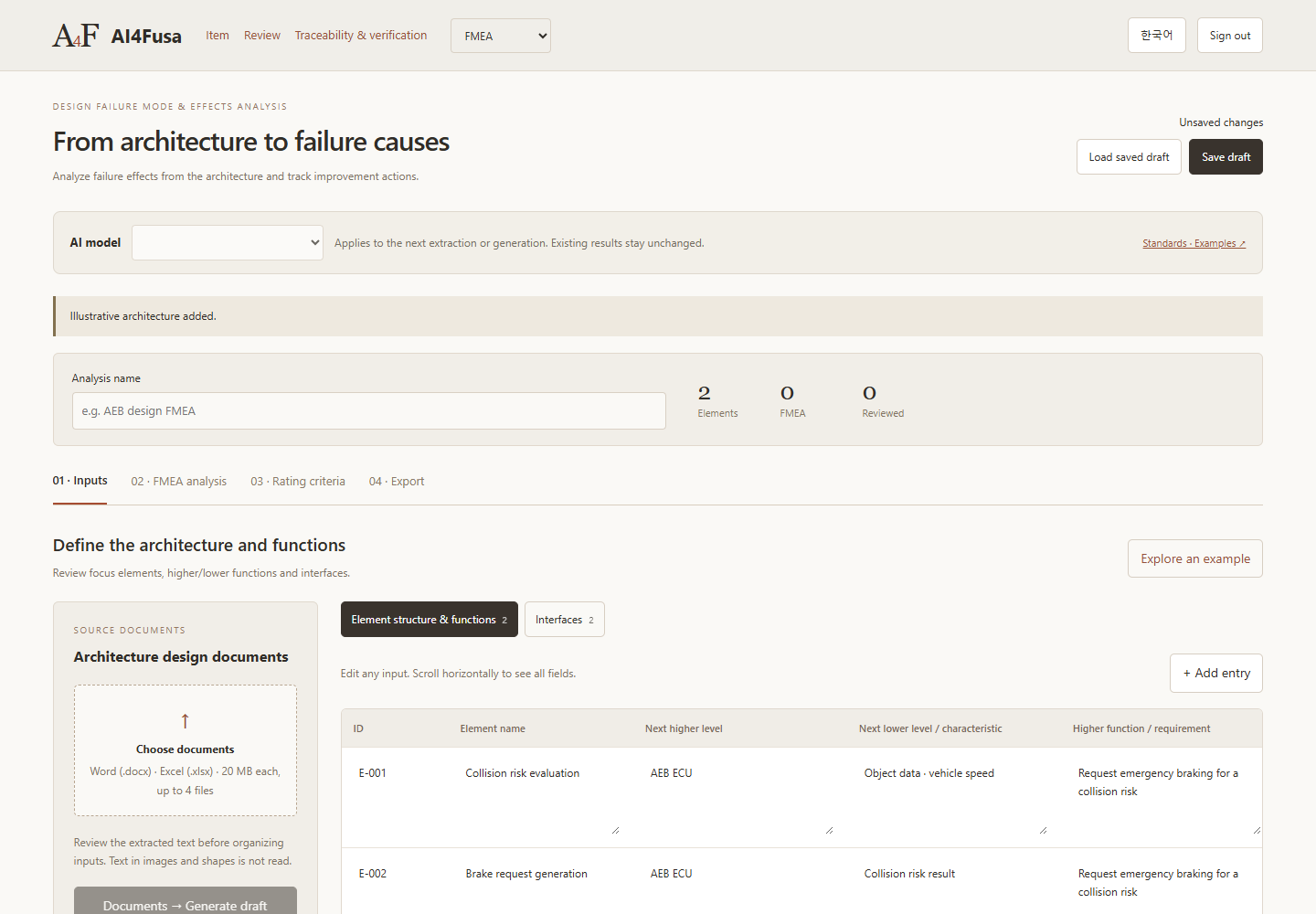
FMEA · Failure Mode and Effects Analysis
Analyze component failure modes and effects, then review the required actions. Keep draft analyses and review records together.
Inputs
Architecture, element functions and development context
Supported deliverables
Draft failure mode and effects analyses and review records
Engineering review
Engineers record S/O/D ratings and action priorities using project criteria and evidence. AI proposals do not provide evidence of completed actions or demonstrate analysis completeness.
Actual English interface · local demonstration using example data
Safety Analysis
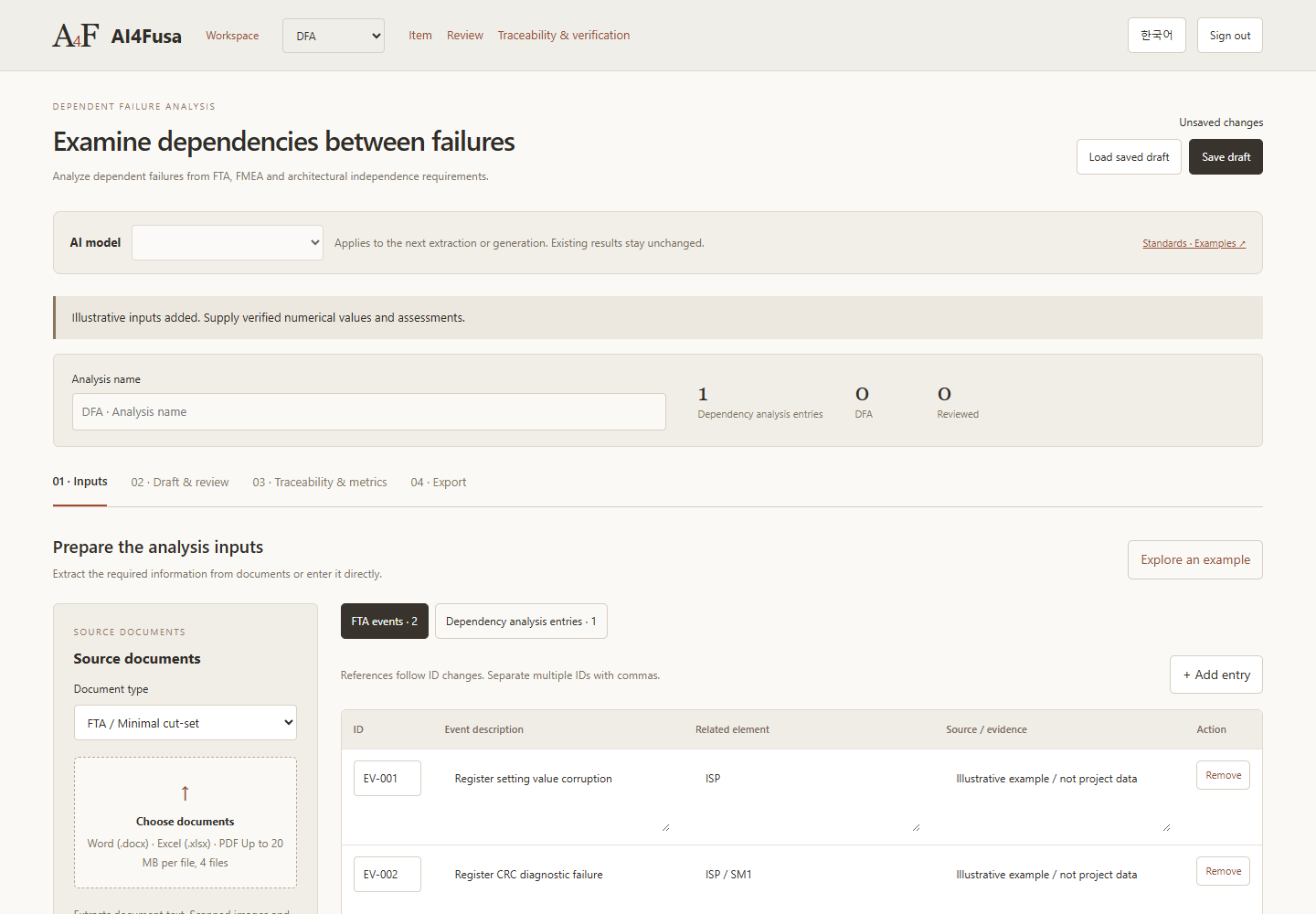
DFA · Dependent Failure Analysis
Review candidates for dependent failures and common cause failures. Record the rationale for dependency paths and the proposed preventive or corrective actions.
Inputs
FTA events, minimal cut sets and dependency information
Supported deliverables
Qualitative analysis of dependent failure candidates and action records
Engineering review
Minimal cut sets alone do not establish common cause failure or independence. Review each candidate's plausibility, preventive actions and completion evidence. This agent is not a quantitative FTA calculator.
Actual English interface · local demonstration using example data
Hardware Safety
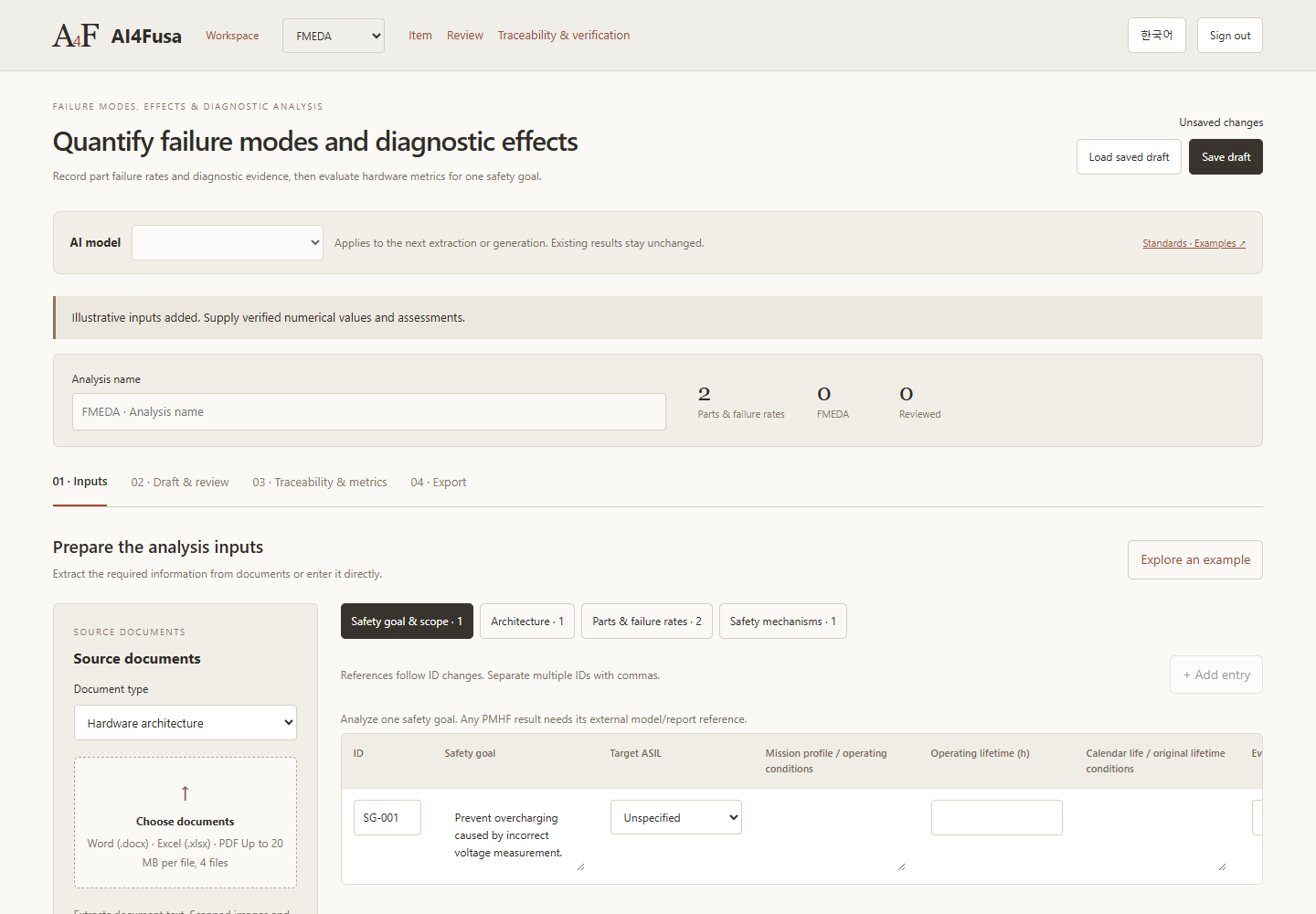
FMEDA · Hardware Safety Analysis
Organize parts, failure modes and safety mechanisms. Review draft hardware metrics using the evidence and classifications supplied by engineers.
Inputs
Part information, failure rates, fault classifications and diagnostic evidence
Supported deliverables
Failure analysis and hardware metrics when the required inputs are complete
Engineering review
SPFM and LFM calculations require failure rates, failure mode distributions and diagnostic evidence. Aggregate metrics are withheld when inputs are missing. A complete PMHF model covering fault combinations and exposure time is outside the current scope.
Actual English interface · local demonstration using example data
Verification
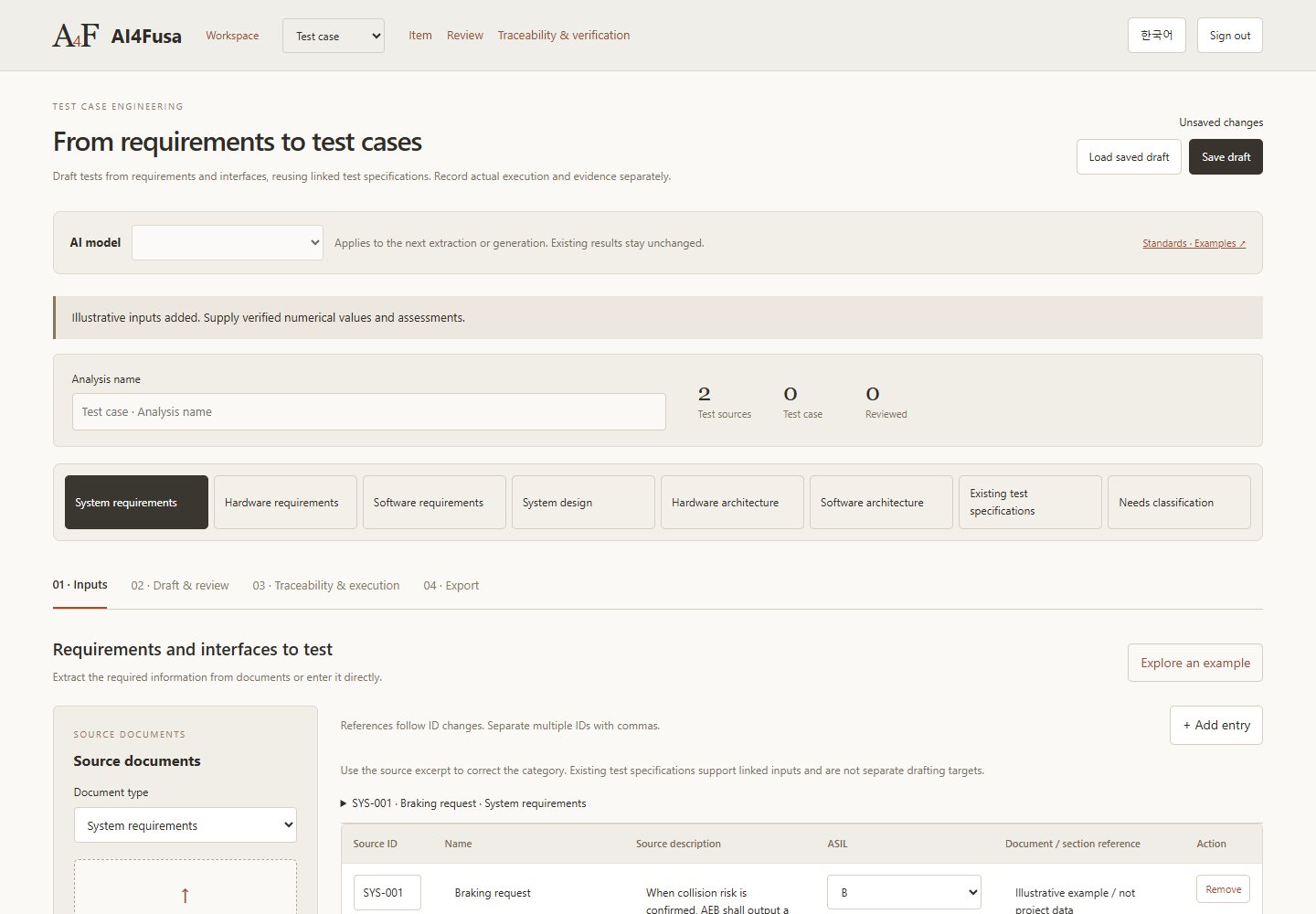
Test Case Drafting
Draft test cases from requirements. Engineers can review them and adapt them to the actual verification environment.
Inputs
Requirements and verification context
Supported deliverables
Draft test cases for engineering review
Engineering review
Drafts do not guarantee complete test coverage. Tests must be performed in an actual verification environment. Engineers enter execution results, observations, coverage measurements and evidence.